Does Sahra include channels?
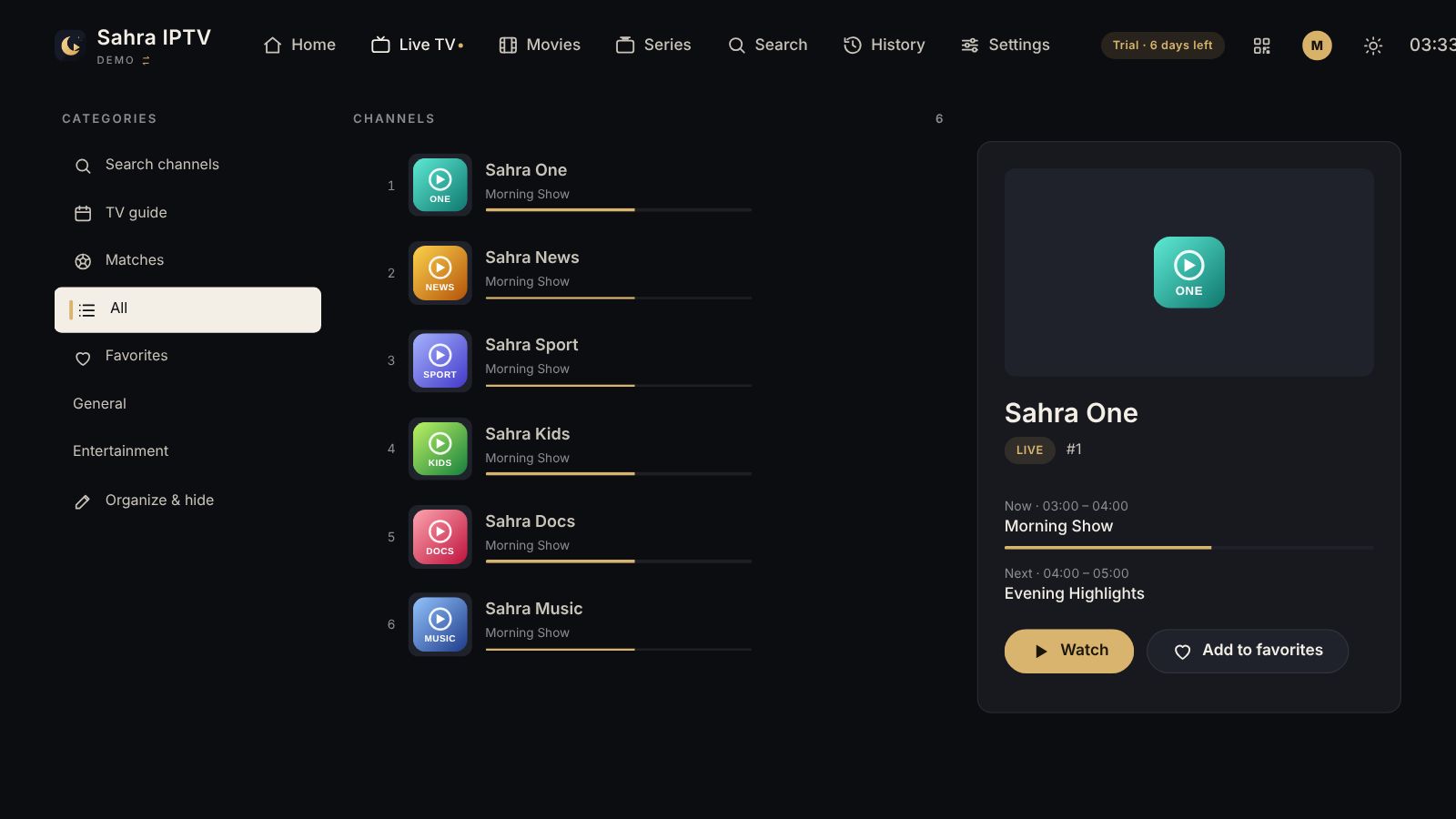
No. Sahra is a player only. You add the playlist you get from your own IPTV provider (Xtream code or M3U link).
How does the free trial work?
Install Sahra and it starts by itself: everything works on one device for the trial days. No card and nothing to cancel.
Which devices does it work on?
LG and Samsung smart TVs, Android TV, Google TV, Fire TV and boxes, Android phones and tablets, Windows, iPhone (in Safari) and any browser.
Can I use one subscription on several devices?
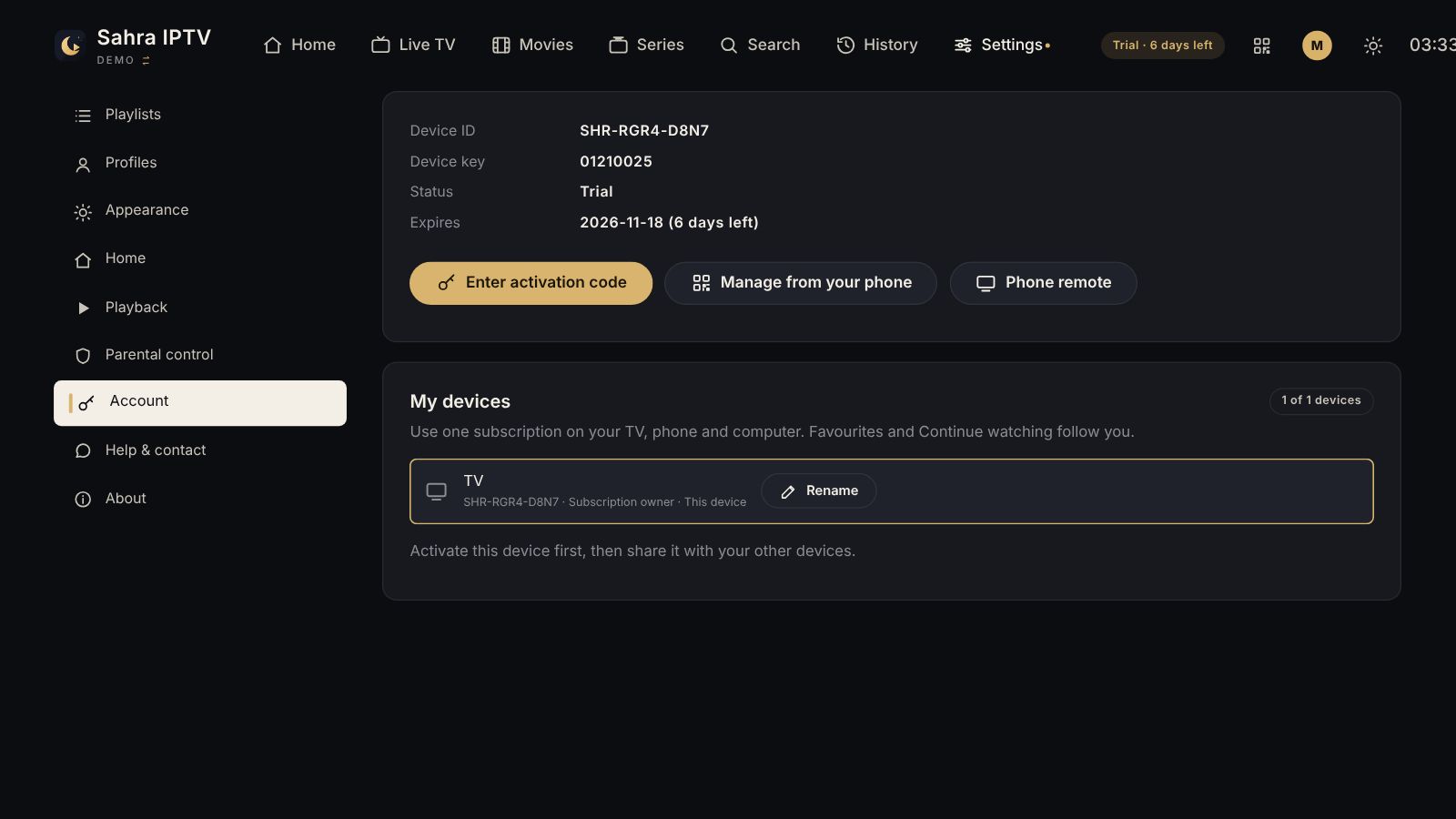
Yes. Choose how many devices when you subscribe, then add each one from Settings → Account → Add a device, with a six-digit code.
How do I add my playlist?
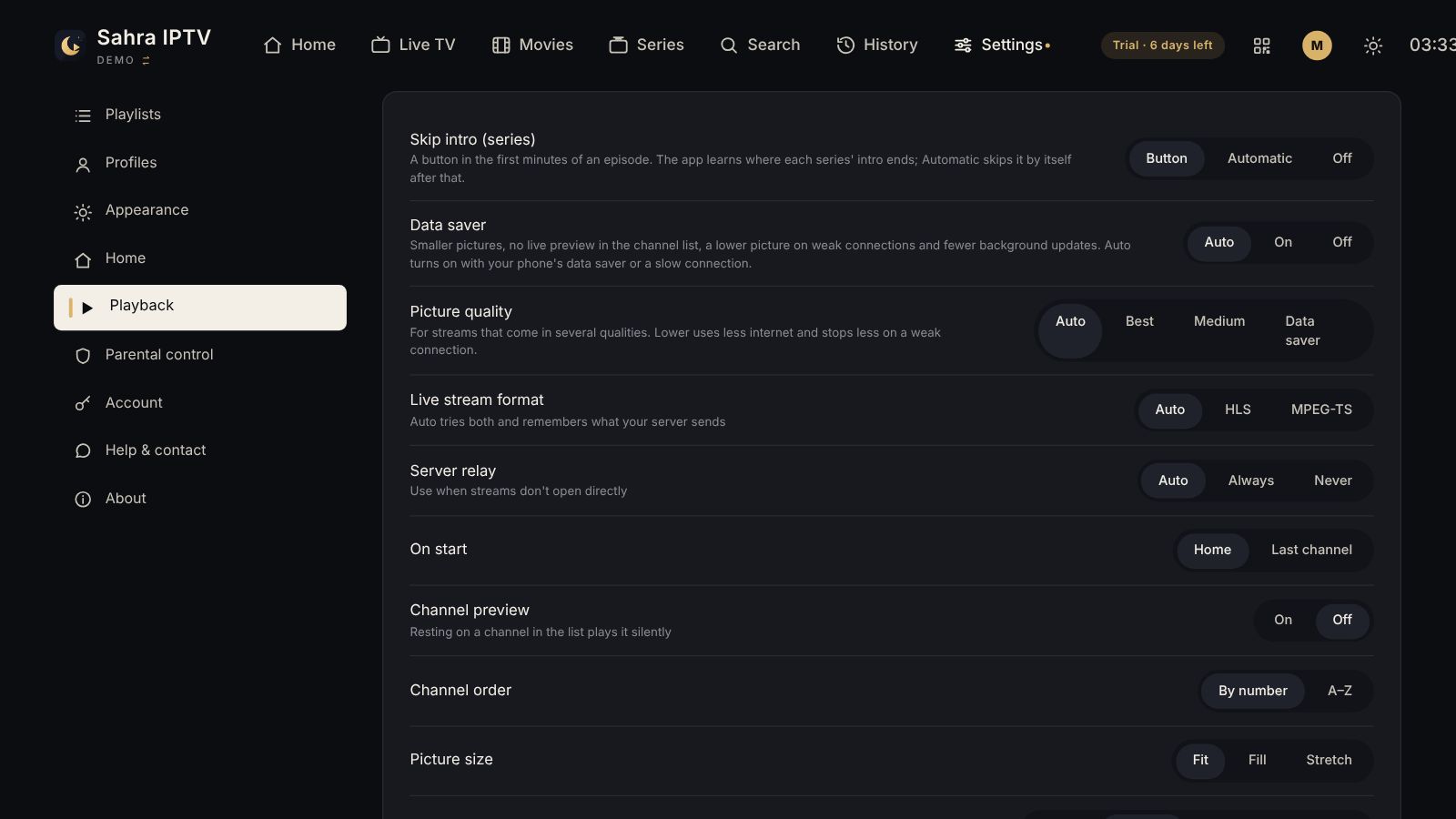
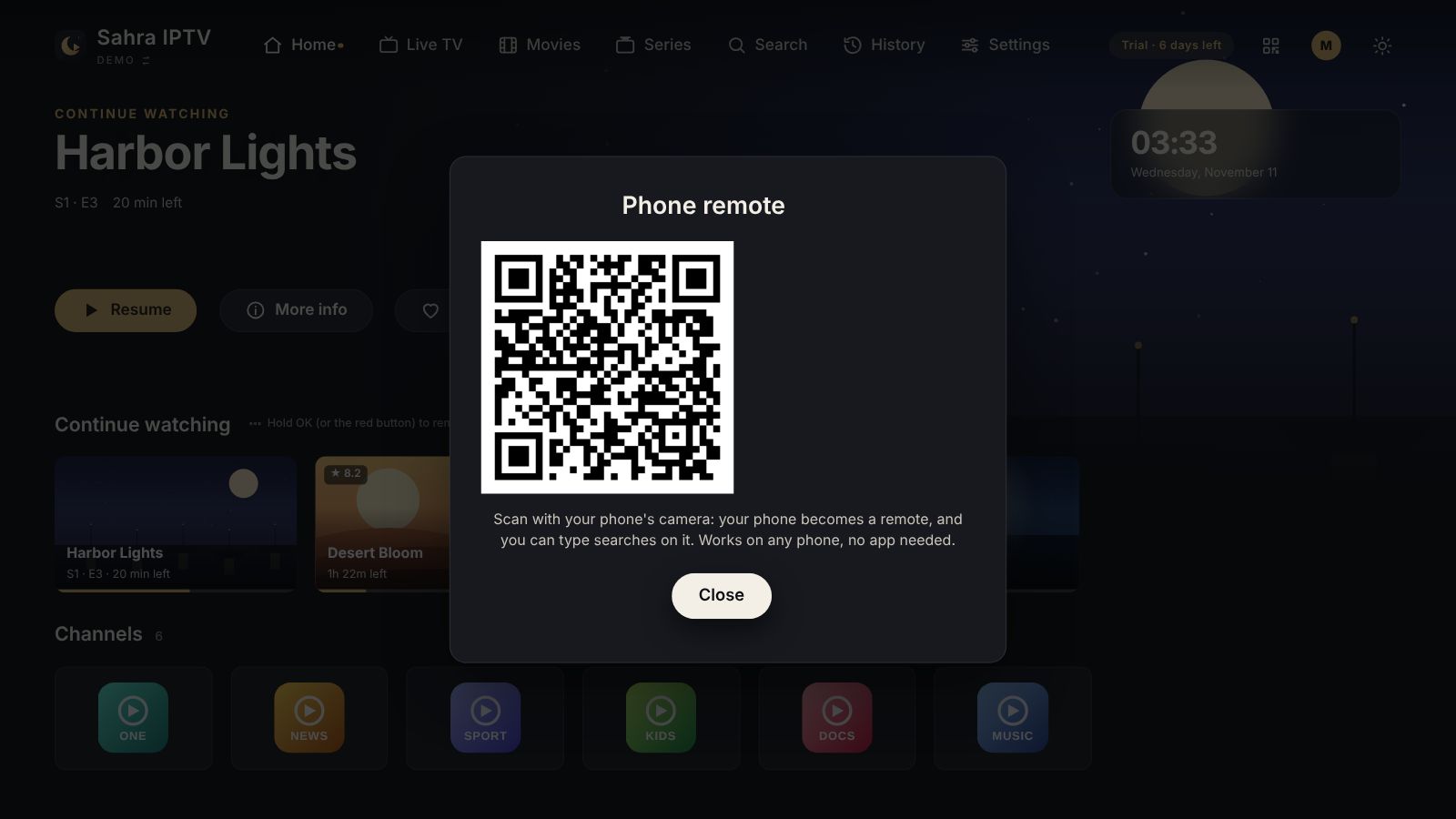
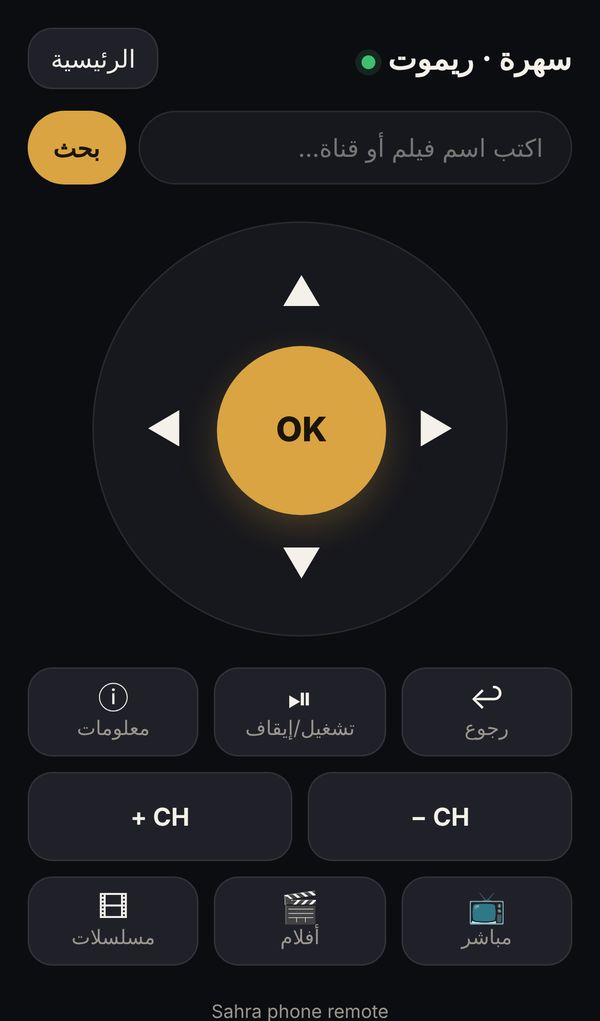
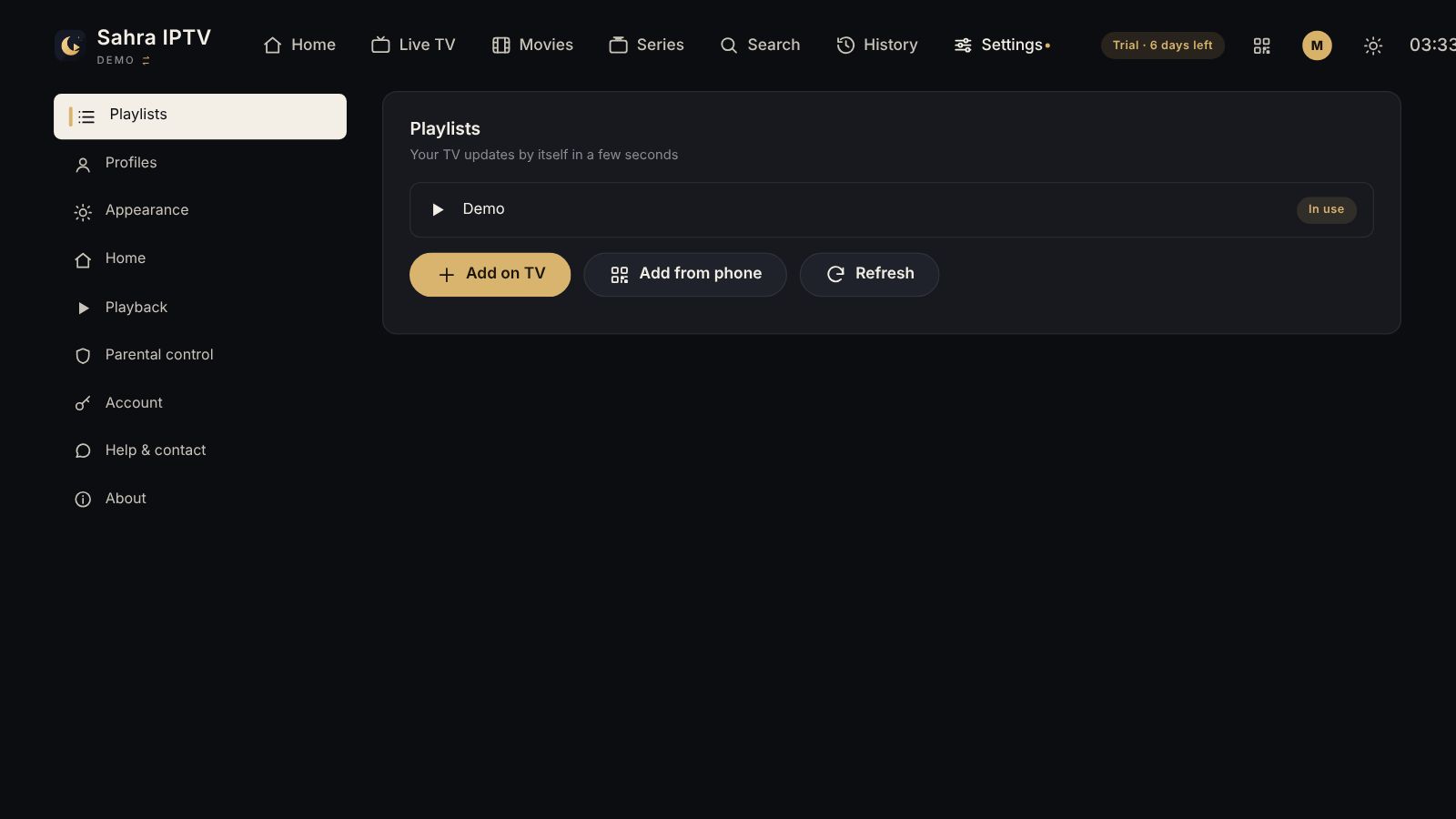
On the TV: Settings → Playlists. Or press the QR button on the TV and add it from your phone. You can also add it in the customer portal.
A 4K channel plays sound but no picture.
Some TVs can't decode 4K / H.265. On Android TV, Sahra switches to Android's own player by itself; on other TVs choose the HD version of the channel.
How do I install it on an Android TV box?
Install the free Downloader app, type our code in it, and the newest version downloads and installs. See the Android TV card above.
Can I add more than one playlist?
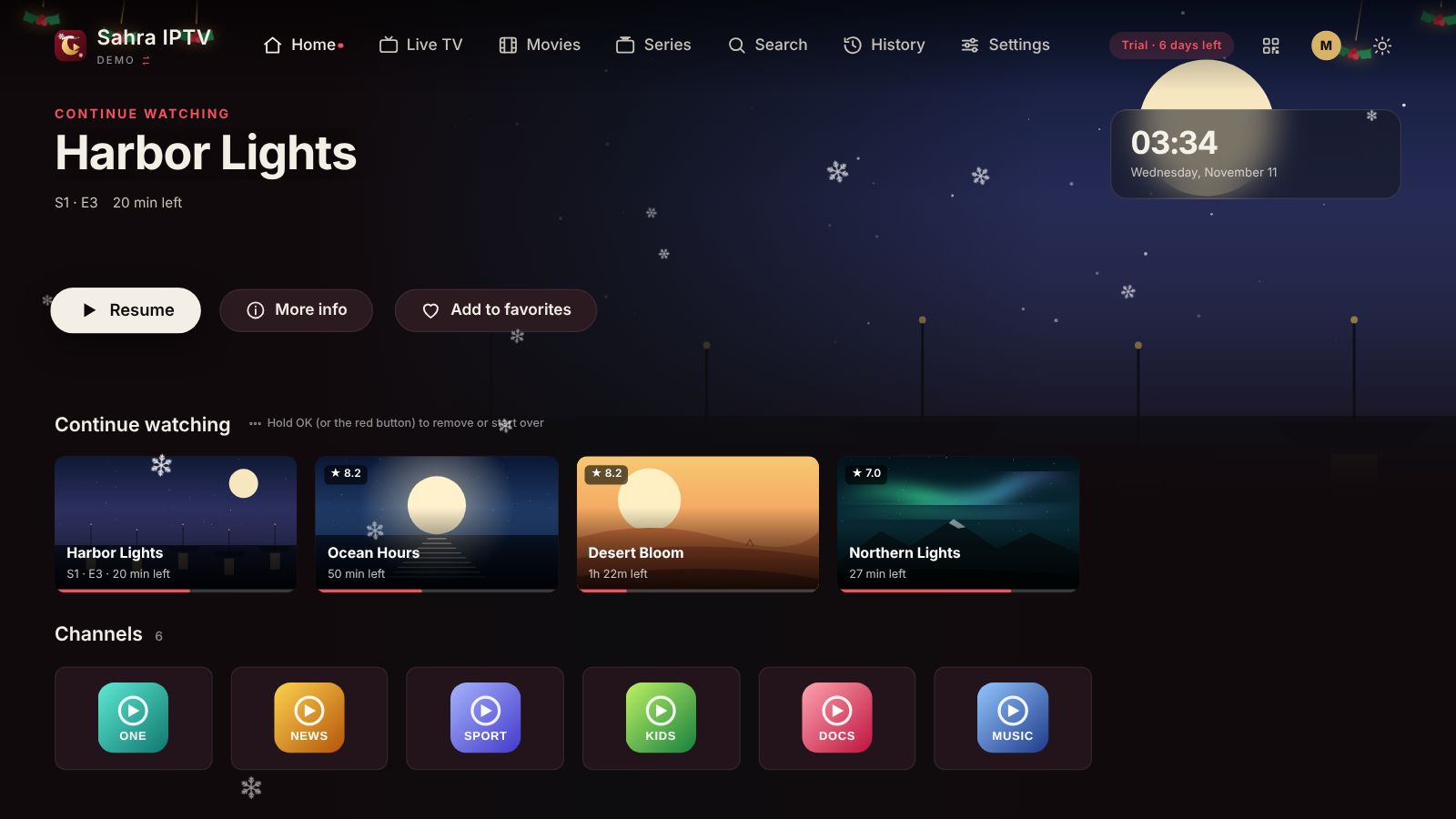
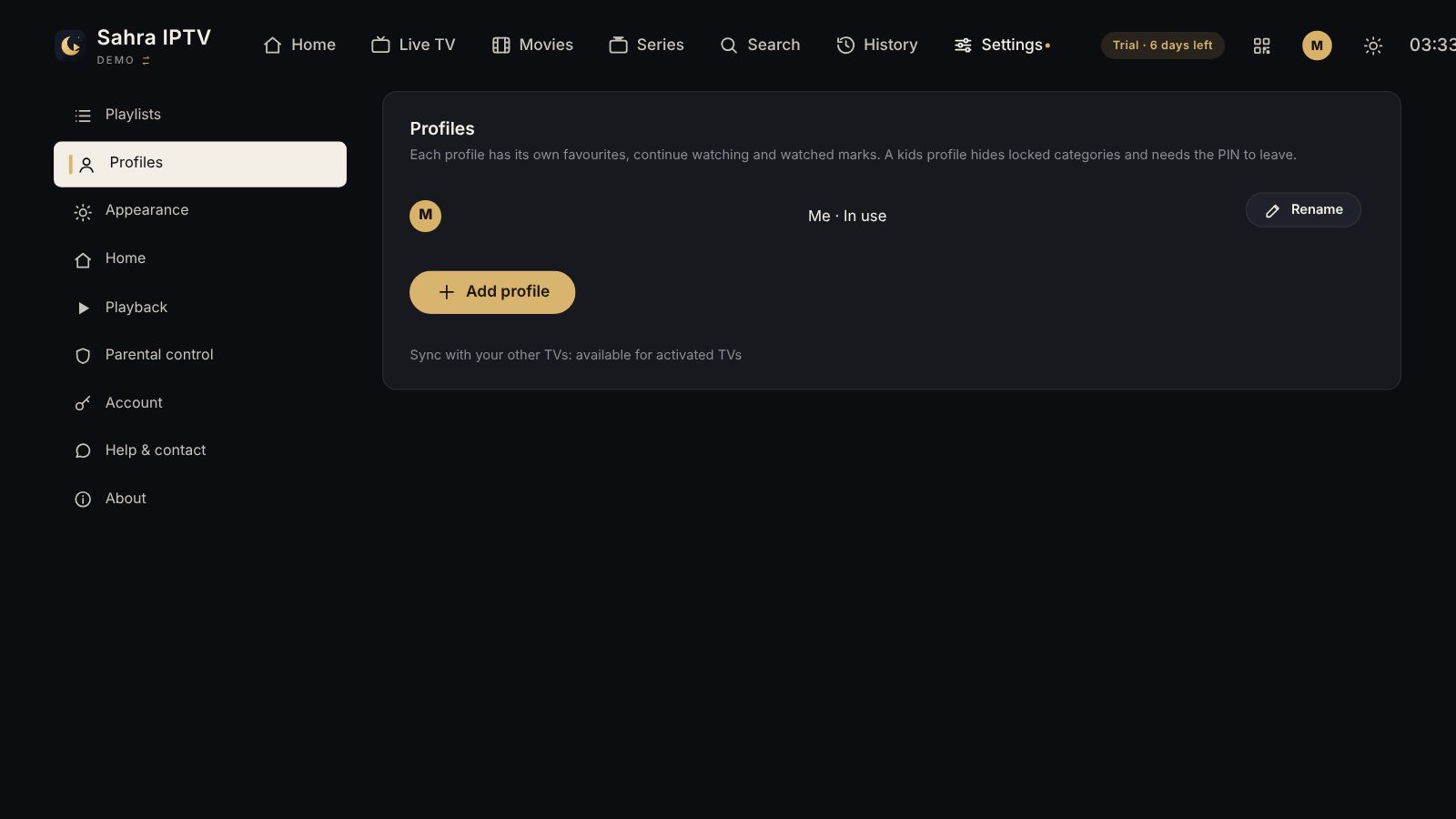
Yes. Add as many as you like in Settings → Playlists and switch between them in one press. Each profile keeps its own favourites and watching.
How do I get help?
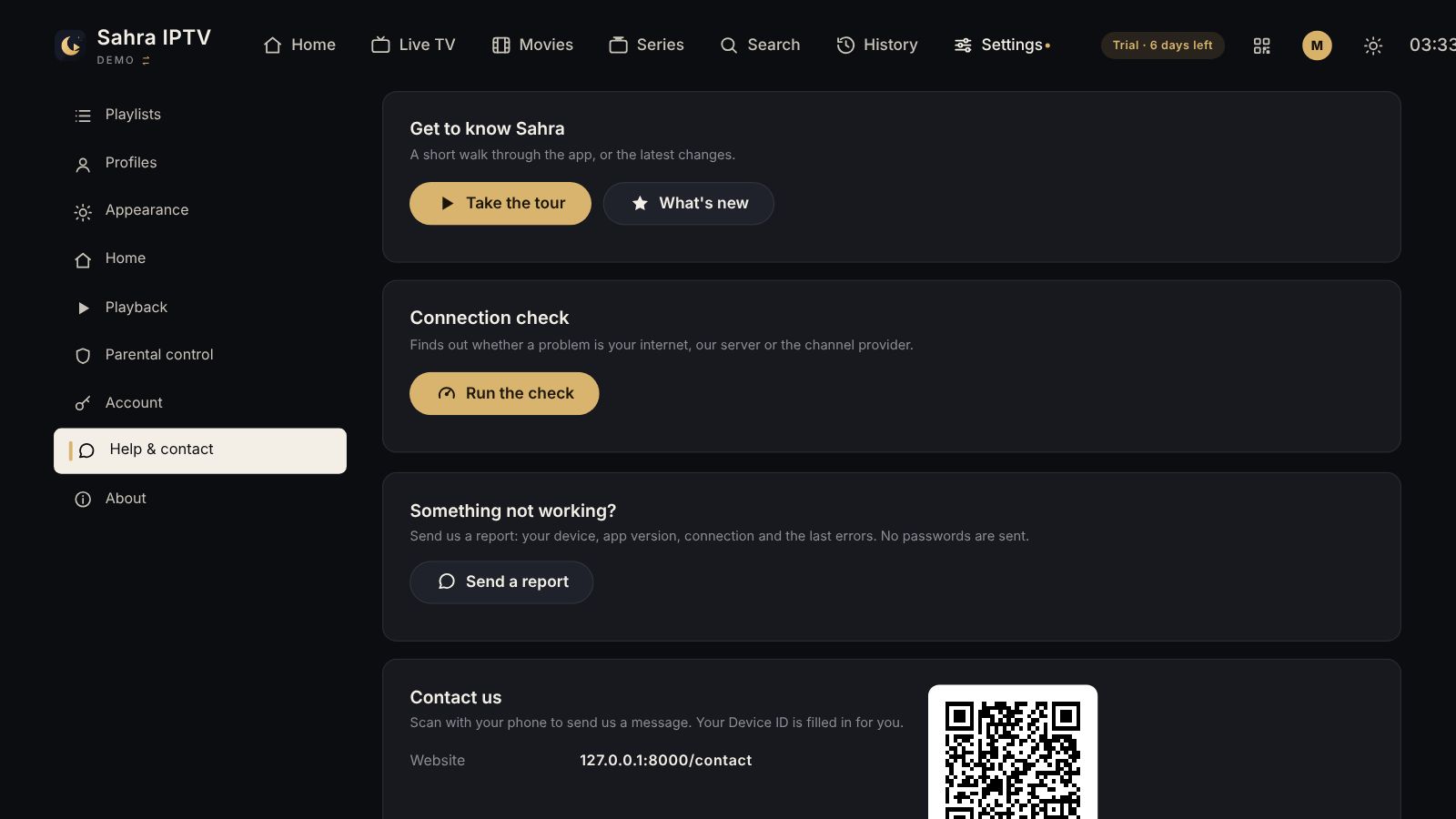
Settings → Help in the app has a connection test and a report button. Or send us a message from the Contact page.